Archiving
Archived levels are not loaded by the webforms system, so they cannot be used to create new reports. This can be useful when you have levels that you're no longer reporting on, to reduce the loading time of the webforms system and to reduce clutter when selecting levels.
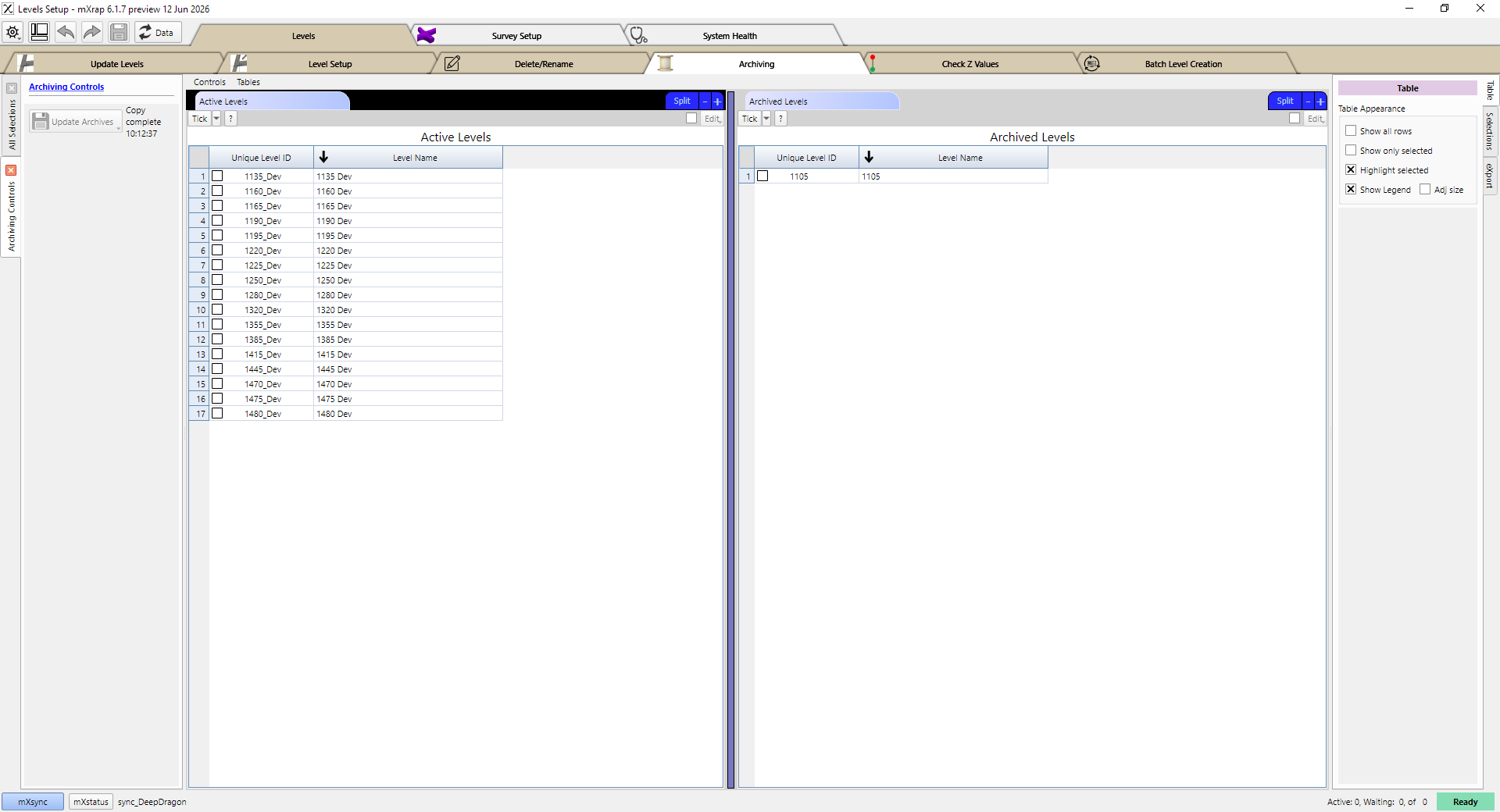
In this window you will see all of your active levels on the left, and all of your archived levels on the right. To archive a level, tick that level in the table on the left, and then click the Update Archives button. To make an archived level active again, tick that level in the table on the right, and then click the same Update Archives button.