Further resources
mXrap Videos
Ready to dive deeper? Head over to mxrap.com/mxvideos and log in with your email to access our complete video library.
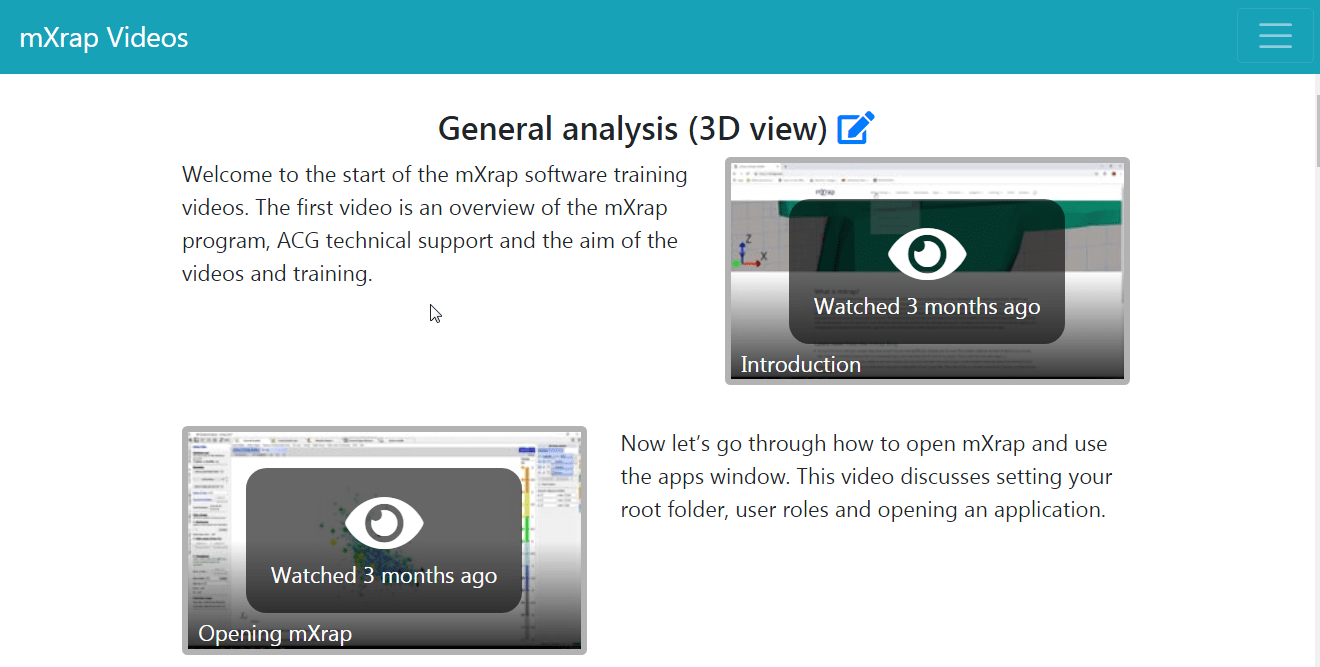
This self-guided program allows users to learn how to make full use of mXrap and its modules. New users will get an overview of the platform's capabilities and navigating the UI, and veteran users may learn some new tricks!
General
Seismic Apps
- Short-term Response Analysis
- Hazard Assessment
- Grid-based Analysis
- Large Event Analysis
- Monitoring App
- Event Quality
- System Design
- Omori Analysis Tools
- Seismic-Production Balance
- Plane Fitting
- Rockburst Damage Potential
Geotechnical Apps
- Damage Mapping
- Rock Mass Data Analyser
- Caving
- Instrumentation
- Paste Backfill Design
- Stope Reconciliation
More Videos
We've got videos scattered throughout the docs too. Check out everything tagged with videos to see the full collection.
CheX
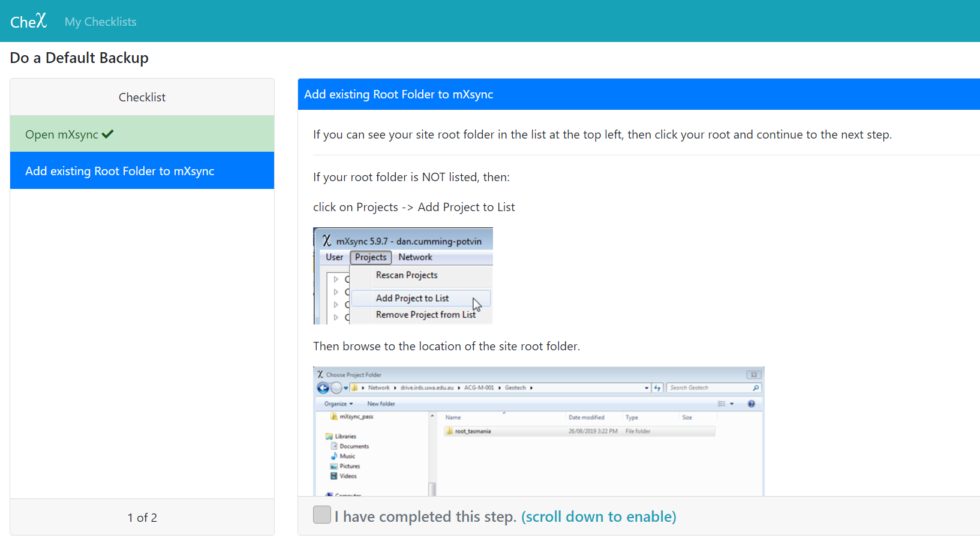
CheX is mXrap's system for guided setup and support. It is a checklist-based website which helps users to follow step-by-step instructions to complete tasks such as setting up a root folder, applying a patch and doing a default backup.
The login details for CheX are the same as those for mXsync (if you're unsure what your details are, send us an email at ).
CheX can be found at: https://mxrap.com/chex/
Research & Publications
Want to dig into the science behind mXrap? You can find academic papers and publications that reference our platform right here.
The Australian Centre for Geomechanics also maintains a fantastic Online Repository of Conference Proceedings with open-access publications covering all sorts of geomechanical topics.